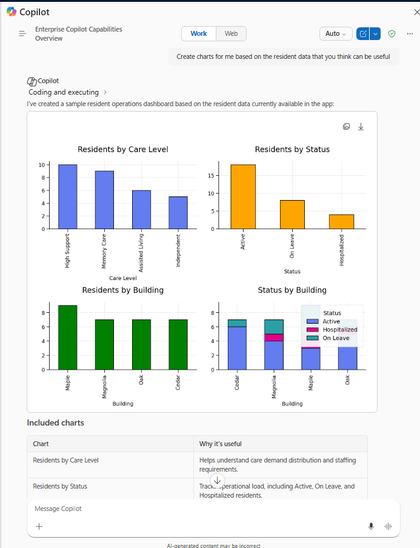
How to Enable Microsoft 365 Copilot in Model-Driven Apps Microsoft 365 Copilot brings conversational AI directly into Model-Driven Apps, allowing users to ask natural language questions about Dataverse data, quickly locate records, and improve productivity without leaving the application.In this post, we walk through the steps we follow to enable Microsoft 365 Copilot in a Model-Driven App, covering the tenant, environment, and application-level configuration required before the feature becomes available.What We Need Before We StartMicrosoft 365 Administrator permissions for tenant-level Copilot settings.Power Platform Administrator access to the target environment.Dataverse Search enabled for the environment (Default or On).Sufficient Dataverse database capacity — Microsoft 365 Copilot for Model-Driven Apps relies on Dataverse Search indexing, and turning it on can increase capacity consumption.Appropriate licensing (covered in Step 4 below).Step 1: Enable Dataverse Data in Microsoft ...
How to Enable Microsoft 365 Copilot in Model-Driven Apps Microsoft 365 Copilot brings conversational AI directly into Mo...